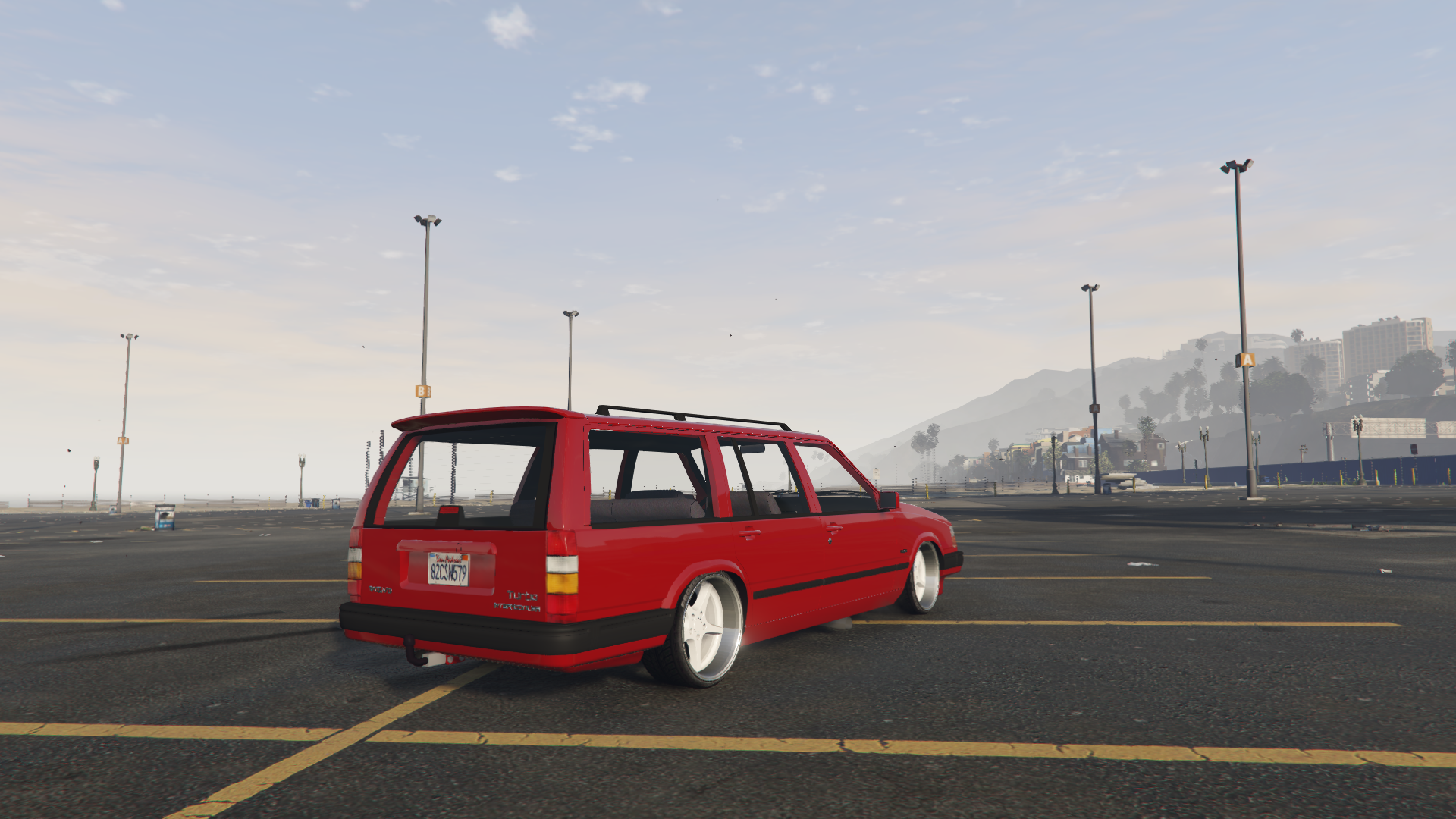
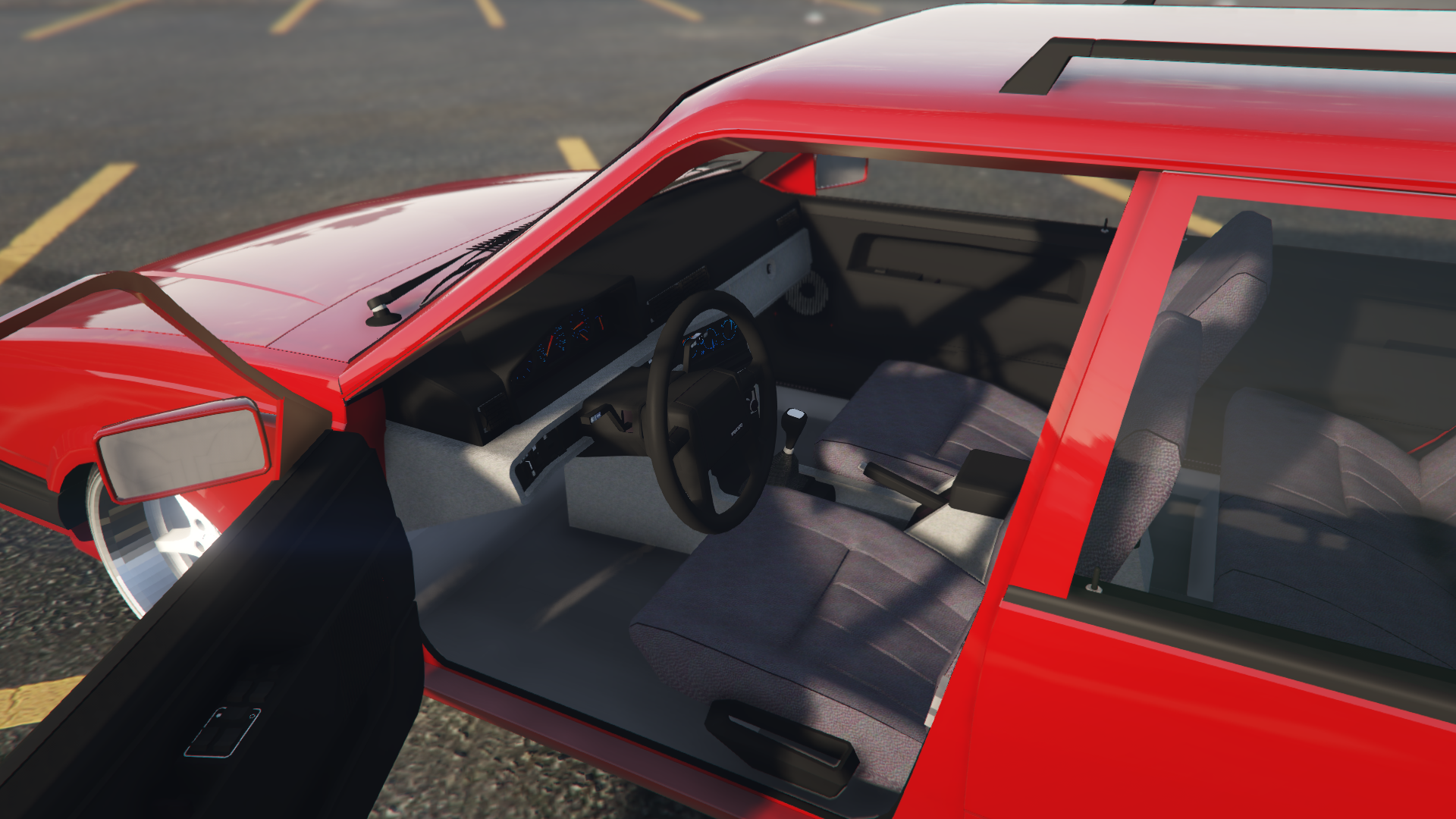
Volvo 945 [Add-On] 1.0
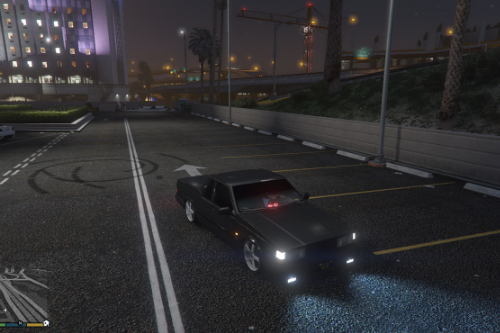
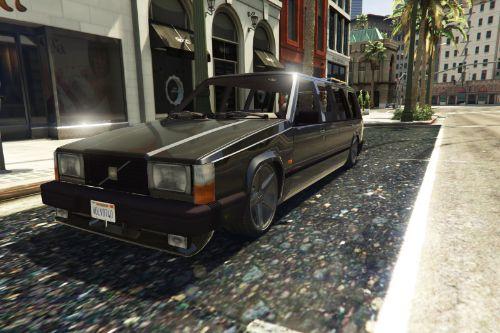
![Hennessey EXORCIST Camaro ZL1 [Add-On]](https://img.gta5-mods.com/q75-w500-h333-cfill/images/hennessey-exorcist-camaro-zl1-add-on/632a99-32.jpg "Hennessey EXORCIST Camaro ZL1 [Add-On]")
![NFS Unbound Nissan S15 Custom UPDATED [Add-On / FiveM | Tuning | Template]](https://img.gta5-mods.com/q75-w500-h333-cfill/images/nfs-unbound-s15-custom-fivem-sp-tuning-templates/67a1fe-peptos_s15_1.png "NFS Unbound Nissan S15 Custom UPDATED [Add-On / FiveM | Tuning | Template]")
![MAN Lion's City 12 Efficient Hybrid [Add-On | FiveM | Template]](https://img.gta5-mods.com/q75-w500-h333-cfill/images/man-lion-s-city-12-efficient-hybrid-add-on-replace-fivem-template/87d2e6-1.jpg "MAN Lion's City 12 Efficient Hybrid [Add-On | FiveM | Template]")
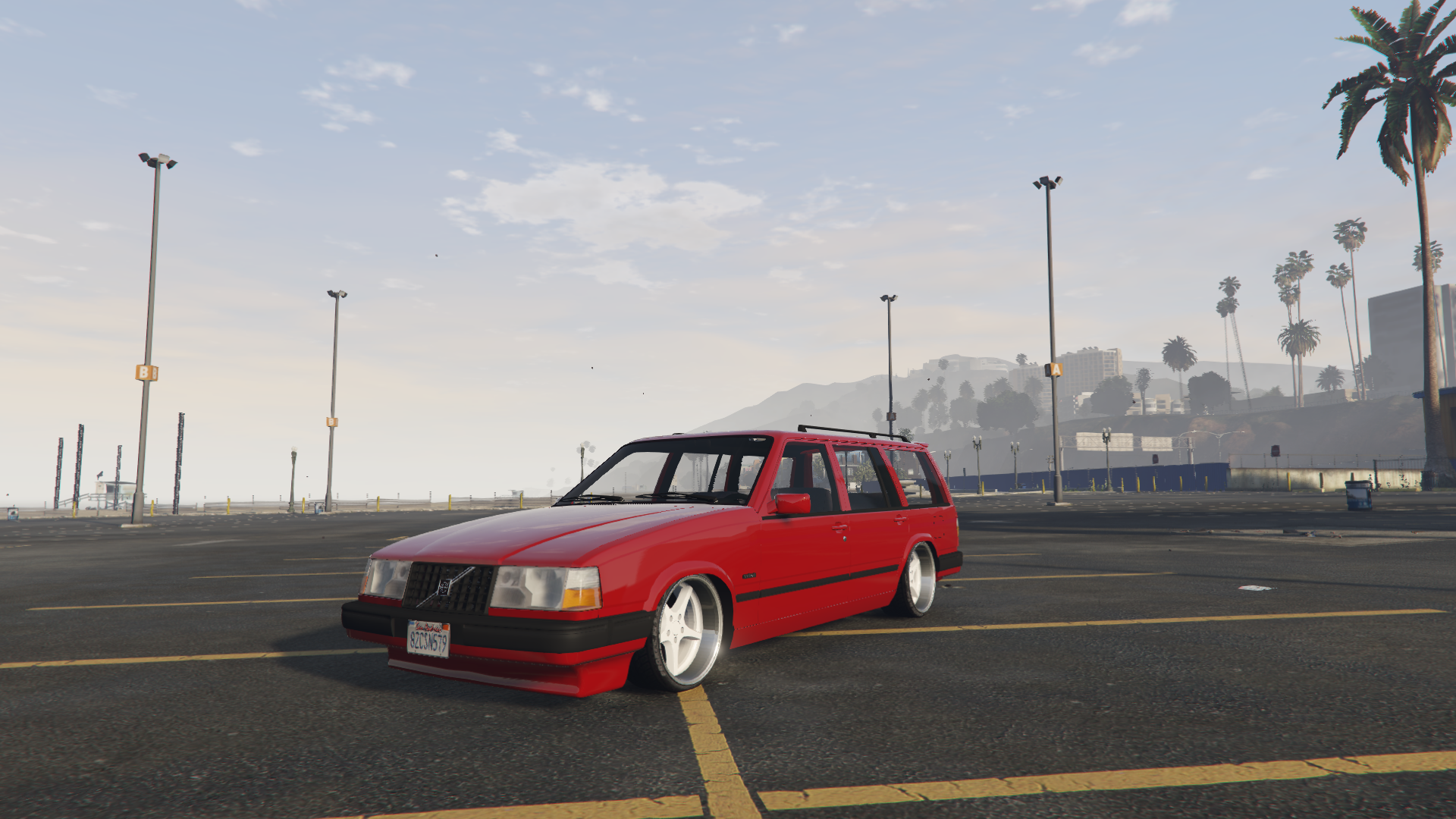
1.811
16
1.811
16
Installation(Replace):
1. Start OpenIV
2. Go to: x64e/levels/gta5/vehicles.rpf
3. Replace the files
Installation(Add-On):
1. Put the folder "V945" in GTA V installation directory/mods/update/x64/dlcpacks
2. Open: OpenIV
3. Turn: Edit Mode
4. Navigate to mods/update/update.rpf/common/data
5. Extract the File "dlclist.xml"
6. Edit this File with an Notepad-Editor
7. Scroll down and add this Line
dlcpacks:\V945\
8. Replace the edited "dlclist.xml" with the "dlclist.xml" in the folder
Spawn name :
V945
1. Start OpenIV
2. Go to: x64e/levels/gta5/vehicles.rpf
3. Replace the files
Installation(Add-On):
1. Put the folder "V945" in GTA V installation directory/mods/update/x64/dlcpacks
2. Open: OpenIV
3. Turn: Edit Mode
4. Navigate to mods/update/update.rpf/common/data
5. Extract the File "dlclist.xml"
6. Edit this File with an Notepad-Editor
7. Scroll down and add this Line
dlcpacks:\V945\
8. Replace the edited "dlclist.xml" with the "dlclist.xml" in the folder
Spawn name :
V945
First Uploaded: 05. jan 2023
Last Updated: 05. jan 2023
Last Downloaded: okoli 4 ure
6 Comments
More mods by swegtamodz:
- Car
- Volvo
5.0
1.867
17
beta 1.0
By swegtamodz
5.0
2.305
10
1.0
By swegtamodz
Installation(Replace):
1. Start OpenIV
2. Go to: x64e/levels/gta5/vehicles.rpf
3. Replace the files
Installation(Add-On):
1. Put the folder "V945" in GTA V installation directory/mods/update/x64/dlcpacks
2. Open: OpenIV
3. Turn: Edit Mode
4. Navigate to mods/update/update.rpf/common/data
5. Extract the File "dlclist.xml"
6. Edit this File with an Notepad-Editor
7. Scroll down and add this Line
dlcpacks:\V945\
8. Replace the edited "dlclist.xml" with the "dlclist.xml" in the folder
Spawn name :
V945
1. Start OpenIV
2. Go to: x64e/levels/gta5/vehicles.rpf
3. Replace the files
Installation(Add-On):
1. Put the folder "V945" in GTA V installation directory/mods/update/x64/dlcpacks
2. Open: OpenIV
3. Turn: Edit Mode
4. Navigate to mods/update/update.rpf/common/data
5. Extract the File "dlclist.xml"
6. Edit this File with an Notepad-Editor
7. Scroll down and add this Line
dlcpacks:\V945\
8. Replace the edited "dlclist.xml" with the "dlclist.xml" in the folder
Spawn name :
V945
First Uploaded: 05. jan 2023
Last Updated: 05. jan 2023
Last Downloaded: okoli 4 ure
 5mods on Discord

This file has been approved automatically. If you think this file should not be here for any reason please report it.
@swegtamodz can you do that rims to only rims add-on as you can set that wheels on other cars. hope you do it.
@swegtamodz always include the source of the original 3D model in your description
Skit snygg ju, en 740 GLE Add-On skulle sitta fint också
@Algotmodz den skulle släppas innan den här men stötte på problem men den kommer
Håller du forfarande på och moddar? Kan inte nå dig längre.