









145.995
370
145.995
370
Ped Selector Version 1.14a
Fully Rebuild To Focus On Only Peds
Fully Removed BodyGuard System Please Use Alternitive
!!READ BELOW NOTE!!
PED SELECTOR DOSE NOT SUPPORT GTA V ENHANCED
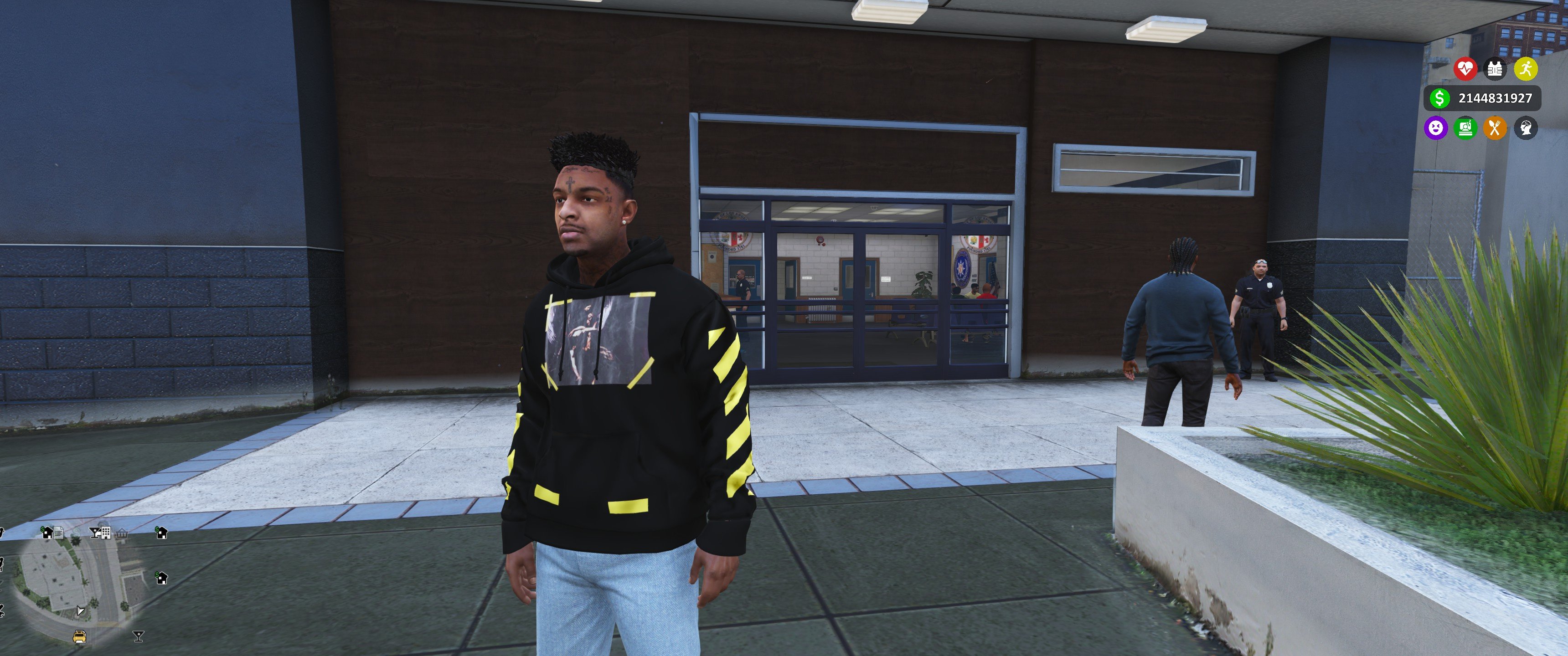
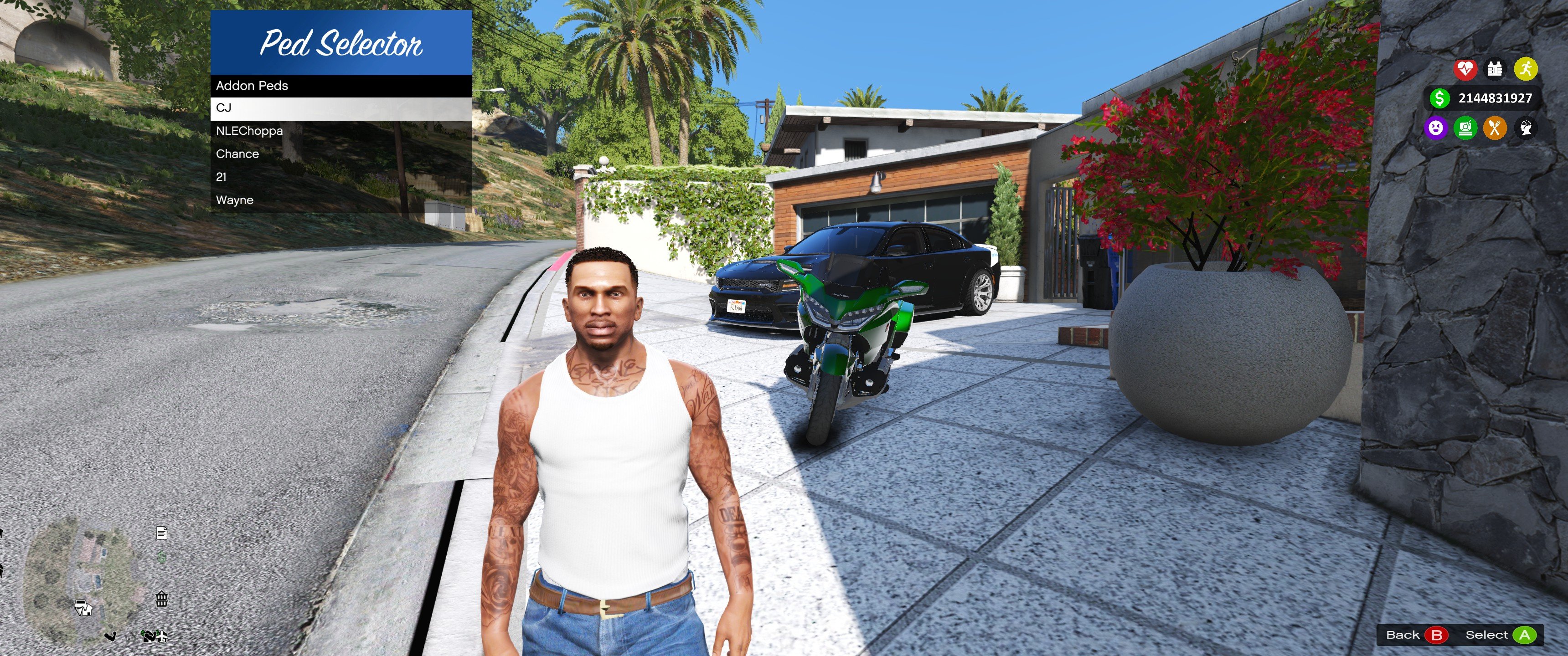
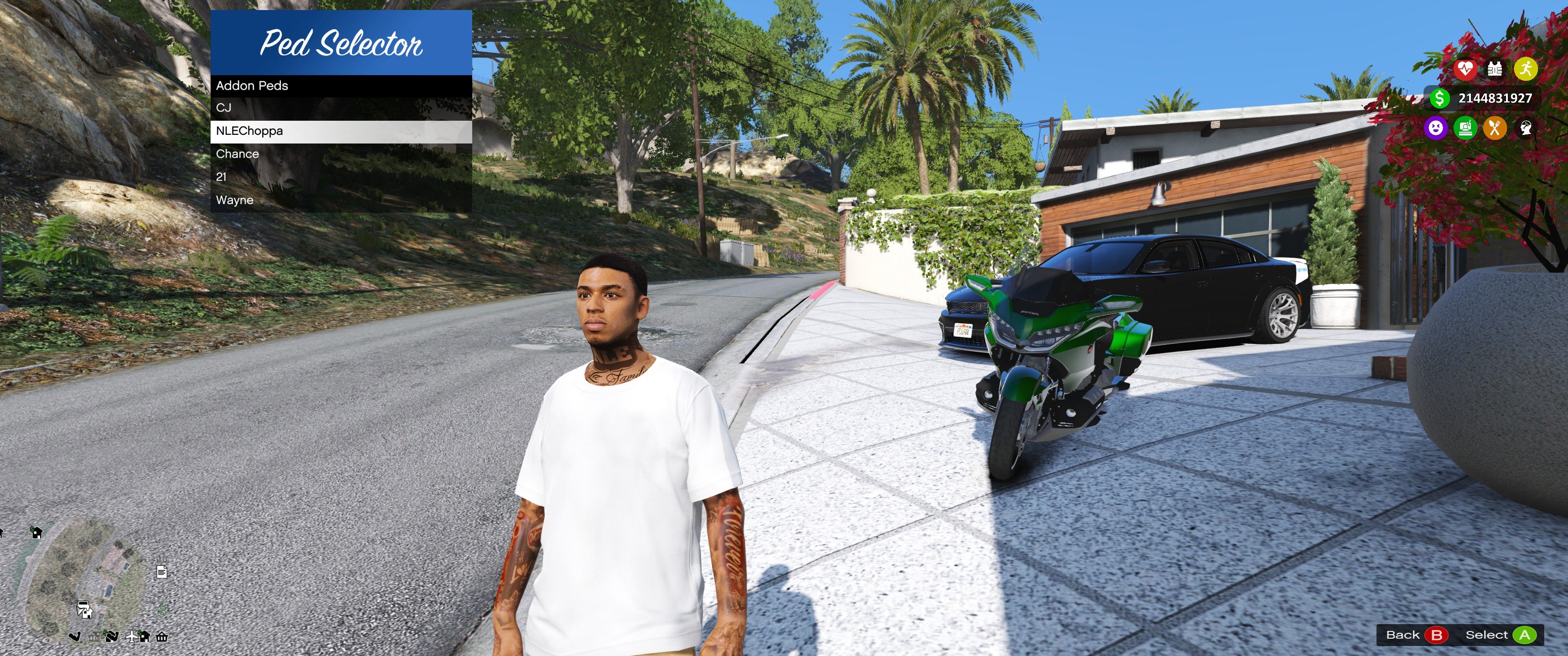
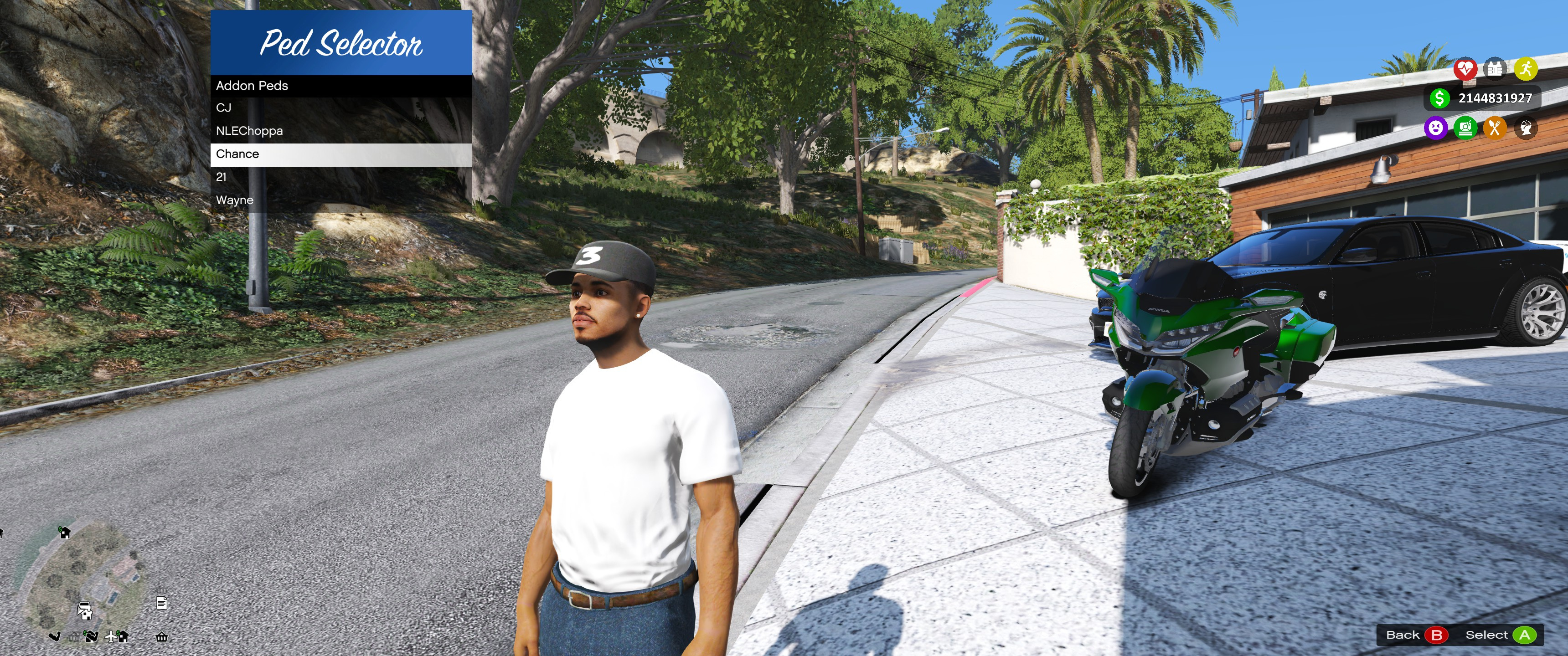
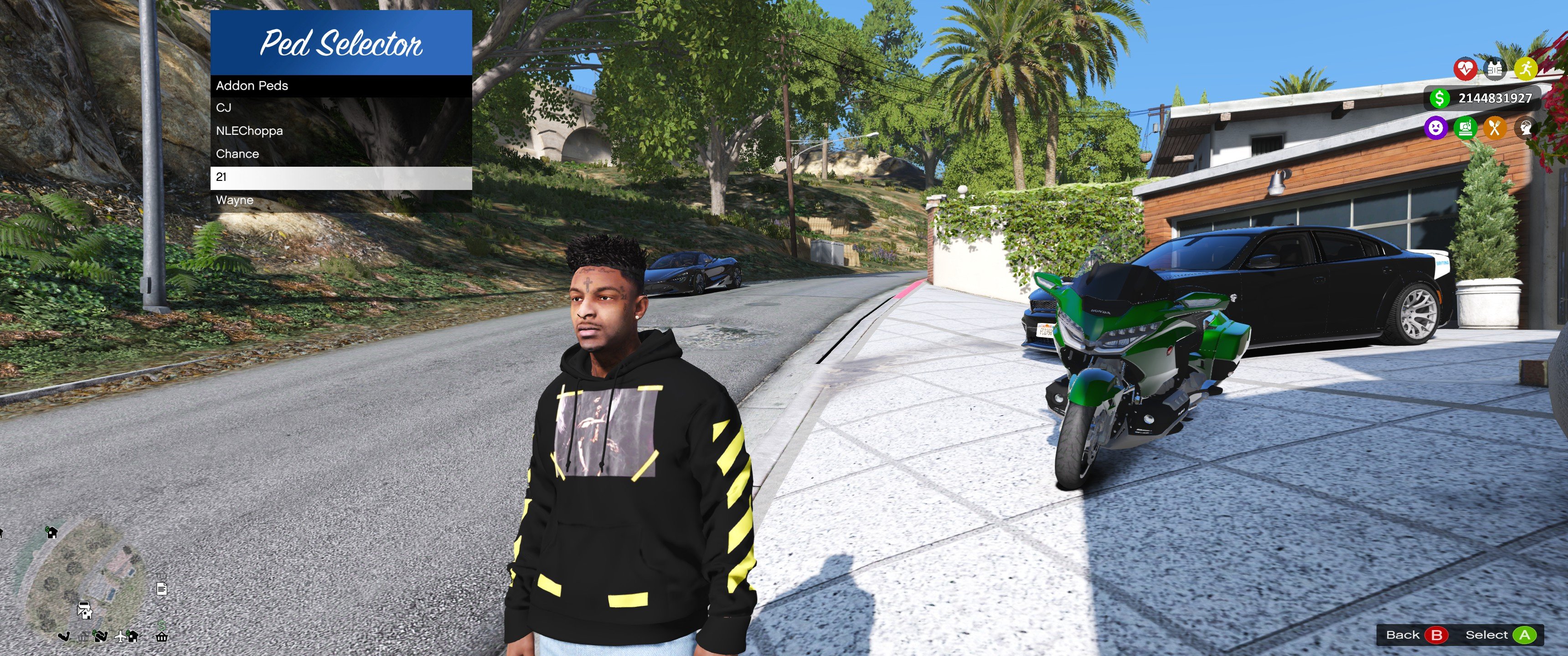
Browse and switch between 851 original GTA V peds plus your own add-on peds using an organized in-game menu built with LemonUI. Customize outfits, save favorites, search instantly, preview models with a dedicated camera, and personalize the menu with built-in color themes.
Features Change Log 1.14a
Requirements
Recommended
Installation Step (1)
Default Controls
Included Files
Credits
Fully Rebuild To Focus On Only Peds
Fully Removed BodyGuard System Please Use Alternitive
!!READ BELOW NOTE!!
PED SELECTOR DOSE NOT SUPPORT GTA V ENHANCED
Browse and switch between 851 original GTA V peds plus your own add-on peds using an organized in-game menu built with LemonUI. Customize outfits, save favorites, search instantly, preview models with a dedicated camera, and personalize the menu with built-in color themes.
Features Change Log 1.14a
- 851 pre-existing GTA V peds organized into categories.
- Support for custom add-on peds.
- Fast search by model or display name.
- Favorites system.
- Live outfit editor.
- Preview camera.
- RGB menu theme editor with presets.
- Configurable settings saved to INI.
- Crash-safe model loading.
- Built with LemonUI and SHVDN3.
Requirements
Recommended
Installation Step (1)
- Please Read The .HTML GUIDE BEFORE YOU RUSH TO INSATLL READ AND UNDERSTAND.
- Install Script Hook V.
- Install ScriptHookVDotNet 3 Nightly.
- Install LemonUI (SHVDN3 version).
- Copy all Ped Selector files into your scripts folder.
- Launch GTA V Story Mode.
- Press L to open the menu.
Default Controls
- L - Open/Close Menu
- Arrow Keys - Navigate
- Enter - Select
- Backspace - Back
Included Files
- PedSelector.cs
- PedSelectorConfig.cs
- PreExistingPeds.cs
Credits
- LemonUI Team
- ScriptHookVDotNet Team
- Script Hook V by Alexander Blade
First Uploaded: 18. dec 2024
Last Updated: 1 dan
Last Downloaded: 1 minuta
All Versions
562 Comments
More mods by FlareXll:

- Gameplay
- .Net
59
4
1.0-A
By FlareXll

- Gameplay
- Vehicles
- .Net
470
8
-BETA- 1a
By FlareXll
Ped Selector Version 1.14a
Fully Rebuild To Focus On Only Peds
Fully Removed BodyGuard System Please Use Alternitive
!!READ BELOW NOTE!!
PED SELECTOR DOSE NOT SUPPORT GTA V ENHANCED
Browse and switch between 851 original GTA V peds plus your own add-on peds using an organized in-game menu built with LemonUI. Customize outfits, save favorites, search instantly, preview models with a dedicated camera, and personalize the menu with built-in color themes.
Features Change Log 1.14a
Requirements
Recommended
Installation Step (1)
Default Controls
Included Files
Credits
Fully Rebuild To Focus On Only Peds
Fully Removed BodyGuard System Please Use Alternitive
!!READ BELOW NOTE!!
PED SELECTOR DOSE NOT SUPPORT GTA V ENHANCED
Browse and switch between 851 original GTA V peds plus your own add-on peds using an organized in-game menu built with LemonUI. Customize outfits, save favorites, search instantly, preview models with a dedicated camera, and personalize the menu with built-in color themes.
Features Change Log 1.14a
- 851 pre-existing GTA V peds organized into categories.
- Support for custom add-on peds.
- Fast search by model or display name.
- Favorites system.
- Live outfit editor.
- Preview camera.
- RGB menu theme editor with presets.
- Configurable settings saved to INI.
- Crash-safe model loading.
- Built with LemonUI and SHVDN3.
Requirements
Recommended
Installation Step (1)
- Please Read The .HTML GUIDE BEFORE YOU RUSH TO INSATLL READ AND UNDERSTAND.
- Install Script Hook V.
- Install ScriptHookVDotNet 3 Nightly.
- Install LemonUI (SHVDN3 version).
- Copy all Ped Selector files into your scripts folder.
- Launch GTA V Story Mode.
- Press L to open the menu.
Default Controls
- L - Open/Close Menu
- Arrow Keys - Navigate
- Enter - Select
- Backspace - Back
Included Files
- PedSelector.cs
- PedSelectorConfig.cs
- PreExistingPeds.cs
Credits
- LemonUI Team
- ScriptHookVDotNet Team
- Script Hook V by Alexander Blade
First Uploaded: 18. dec 2024
Last Updated: 1 dan
Last Downloaded: 1 minuta
 5mods on Discord

Hi guys sorry i been away for a while so no updateds have been done on either or my modds i will be updating soon tho i just been busy with other projects atm but these will be update soon
hmm, I press "L" but nothing happen :(
doesn't work, i watched 2 tutorials and the tutorial from patreon, still doesn't work.
@Condimentally Try to look for the latest tutorials there, maybe it will be better explained and done
@Pinkjughead01 My Enhanced didn't work sadly.. When I use the latest ScriptHookV Nightly, the game stucks and crashed after loading...
@FlareXll remove SHV from your repository
@ReNNie i will push an update thanks i was gonna do it just wating till i update it
Please For the love of good stop using this for Enhanced this dose not support Enhanced
When I press the L , the ped selector is not working on the new version
@Yunyun make sure u read and have the correct installment this is fully up and running i am using it right now there is Zero
issues if you have discord please dm me
Instead of abruptly deleting the bodyguard system, consider separating it into an independent mod. This promising system had significant potential, especially if it allowed recruiting pedestrians.
super ton mod qui fonctionne pas !
@Kronny i will be doing that thats why i just removed it from the pedselector i am working on a better version
@henri8456 Le mod fonctionne parfaitement ; suivez toutes les instructions et installez-le correctement, et il fonctionnera.
Much better than the old dll, it finally worked (gta 5 doesnt crash and peds arent invisible) now that I also combined it with heap and packet adjuster. Really glad it was posted today cause I spent the last 2 days trying to figure out what is wrong, but on the next update, please bring the spawn npc thing back!! The problem with the npc spawner was that it wasnt loading at all, even though the ped skin was valid (as proven by this newest version), and exists in the correct directory. I tried figuring out this mod simply for spawning npcs with the skins I want, so I will be waiting for that...
Thanks but the NPC features is still there you csn use any npc you want and spawn any you want to you please browse the menu u will see them check the Pre-Exiting Ped location
@FlareXll yo j'ai installer correctement quand j'appuie sur L que dalle
je verrai plus tard .
@henri8456 Veuillez me contacter sur Discord.
@FlareXll pour ?
@henri8456 D'après votre commentaire, vous avez effectué l'installation correctement mais cela ne fonctionne pas ; si vous avez besoin d'aide, envoyez-moi un message privé sur Discord.
@FlareXll merci je te dirai ça demain ou semaine pas ce soir