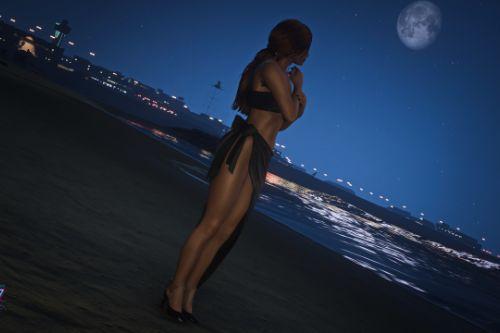
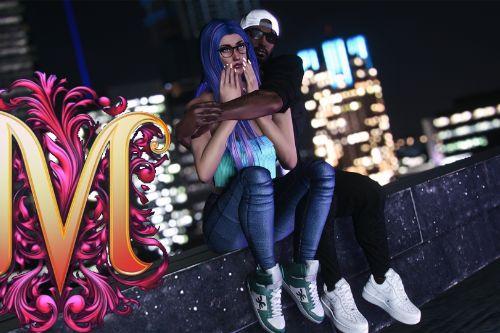
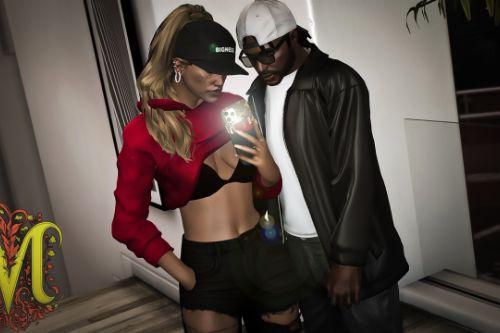
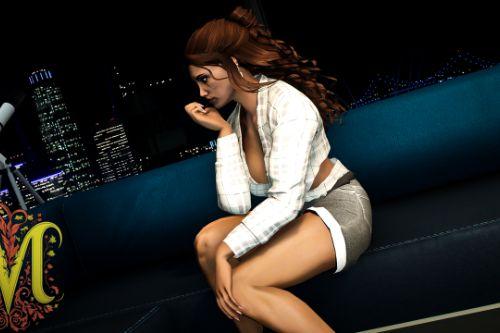
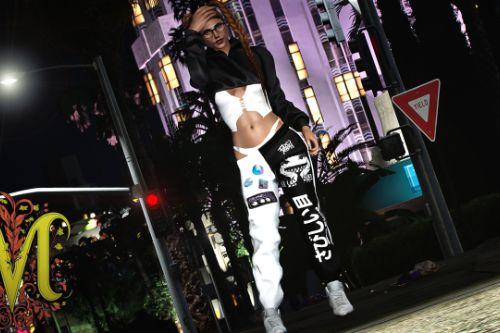
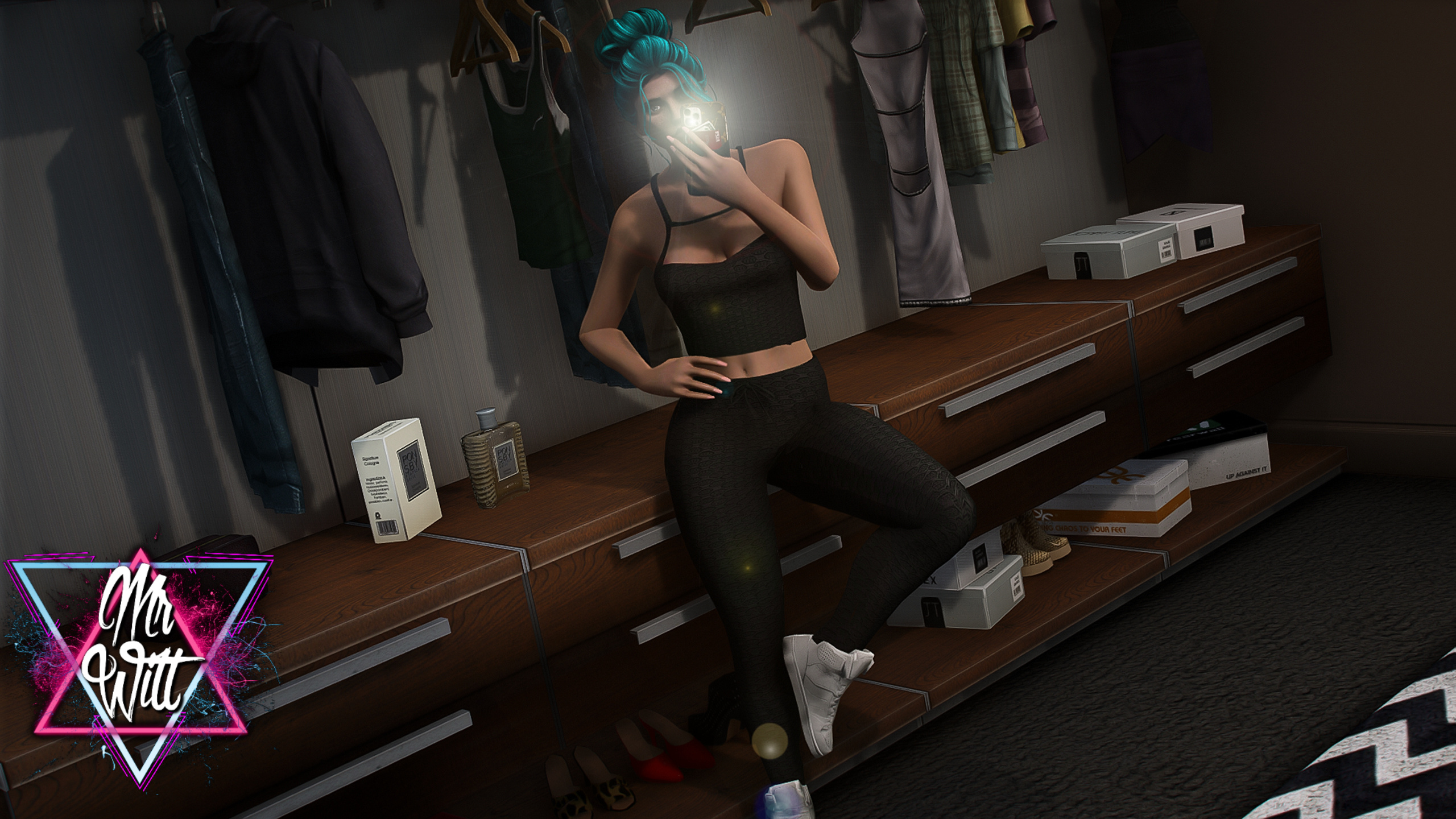
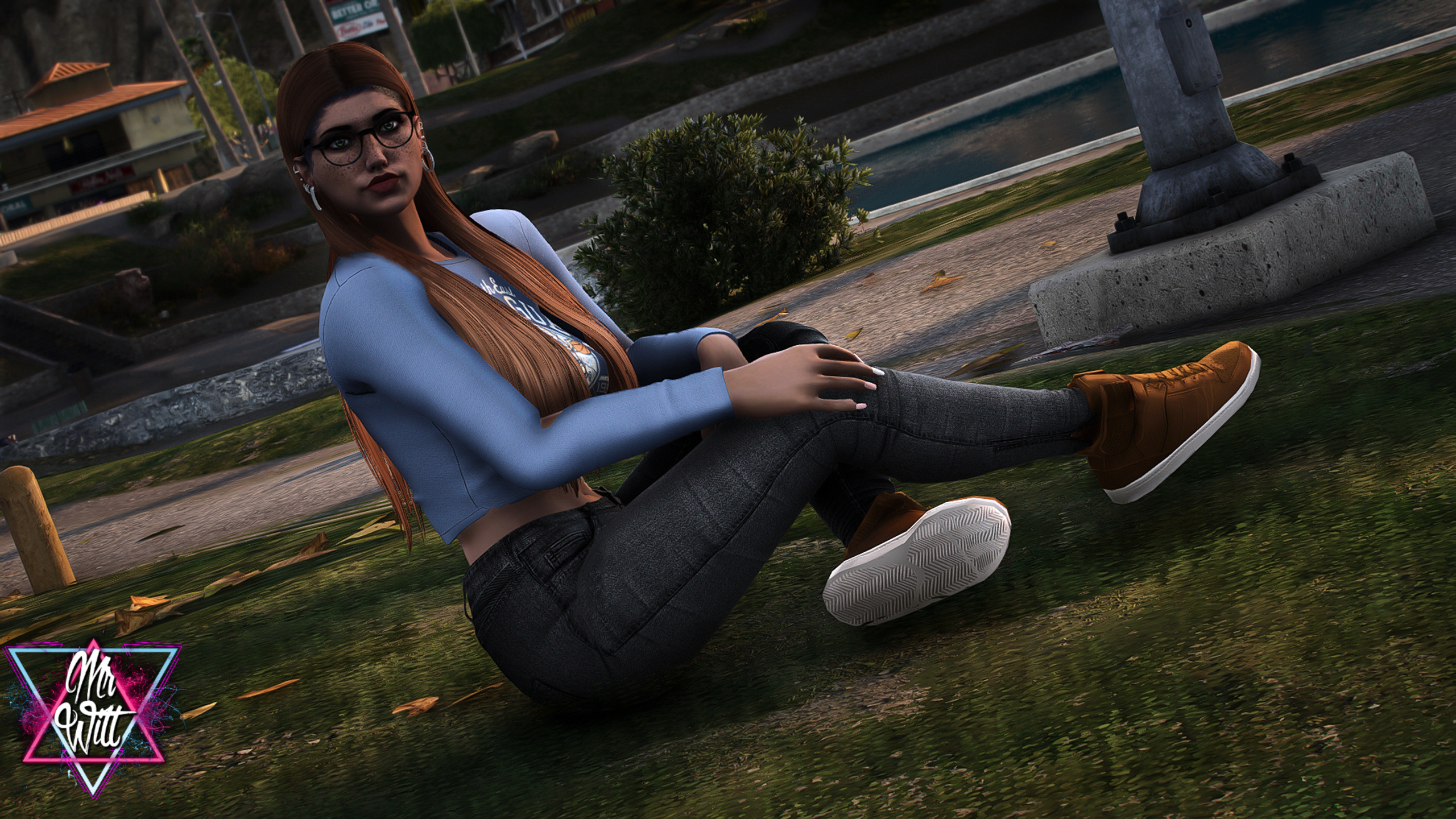
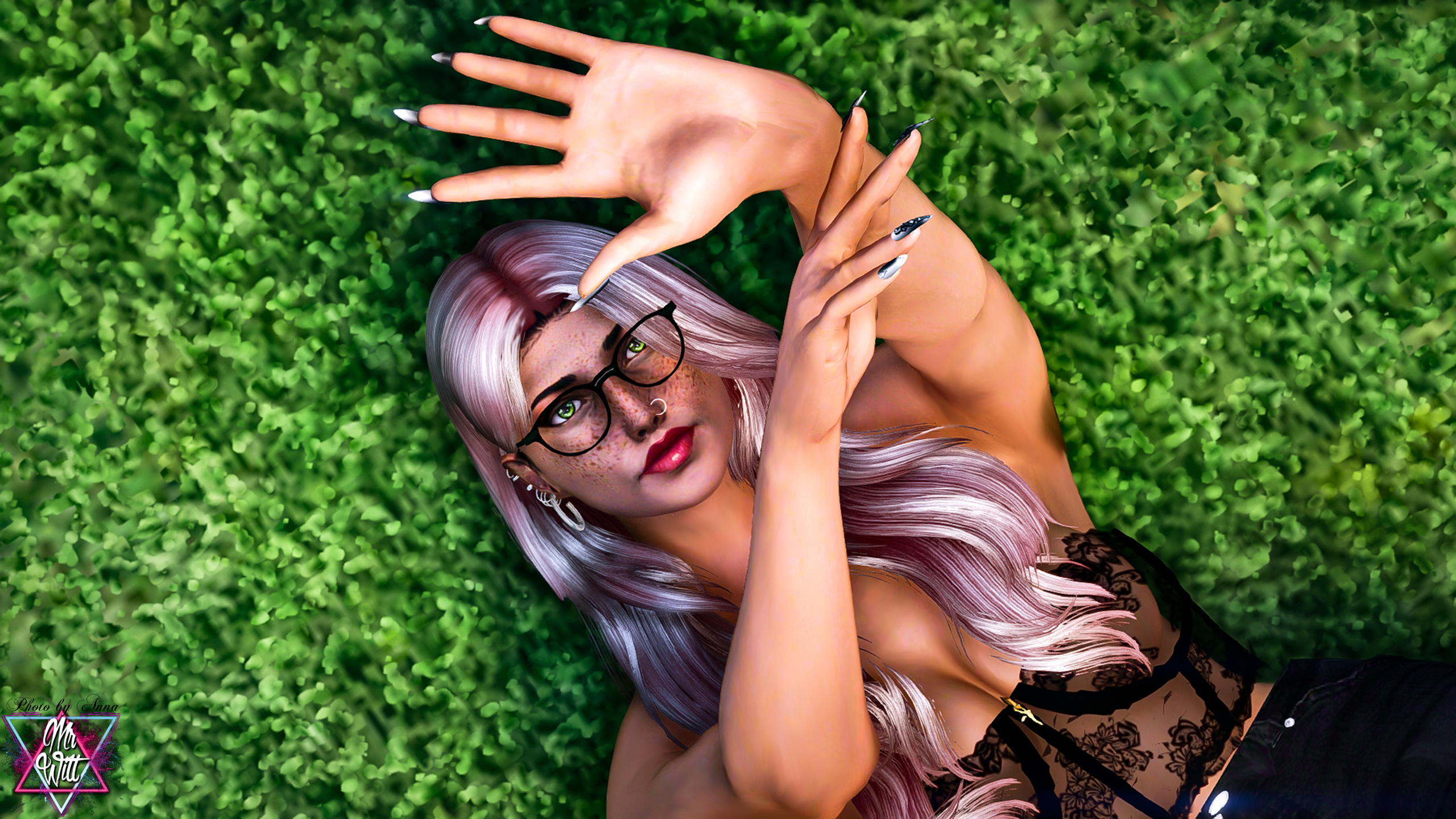
Pose Pack #16 2023


842
13
842
13
Die Weiterverbreitung, der Wiederverkauf oder das Anbieten auf einem anderen Discord-Server ist verboten, sowie auf anderen Seiten.
The redistribution, resale, or offering on another Discord server is prohibited, as well as on other sites.
--- ATTENTION ---
(ENG)
We do not provide a plug & play version for FiveM.
The poses may not be used on servers without permission.
If you wish to use them, please create a ticket to discuss further details.
--- ACHTUNG ---
(GER)
Wir stellen keine Plug & Play-Version für FiveM zur Verfügung.
Die Posen dürfen ohne Einwilligung nicht auf Servern genutzt werden.
Wenn ihr sie verwenden möchtet, erstellt bitte ein Ticket, um alles Weitere zu besprechen.
Installation:
1. Open OpenIV.
2. Navigate to GTA V -> Mods folder -> update -> x64 -> dlcpacks -> patchday4ng -> anim -> ingame -> clip-anim@.rpf.
3. Place the files into the folder.
4. Go to menyooStuff.
5. Open FavoriteAnims.xml and copy & paste the animation text from readme.txt
Creator: MrWitt
my Discord link
https://discord.gg/Asegvy9Fcs
The redistribution, resale, or offering on another Discord server is prohibited, as well as on other sites.
--- ATTENTION ---
(ENG)
We do not provide a plug & play version for FiveM.
The poses may not be used on servers without permission.
If you wish to use them, please create a ticket to discuss further details.
--- ACHTUNG ---
(GER)
Wir stellen keine Plug & Play-Version für FiveM zur Verfügung.
Die Posen dürfen ohne Einwilligung nicht auf Servern genutzt werden.
Wenn ihr sie verwenden möchtet, erstellt bitte ein Ticket, um alles Weitere zu besprechen.
Installation:
1. Open OpenIV.
2. Navigate to GTA V -> Mods folder -> update -> x64 -> dlcpacks -> patchday4ng -> anim -> ingame -> clip-anim@.rpf.
3. Place the files into the folder.
4. Go to menyooStuff.
5. Open FavoriteAnims.xml and copy & paste the animation text from readme.txt
Creator: MrWitt
my Discord link
https://discord.gg/Asegvy9Fcs
First Uploaded: 19. feb 2024
Last Updated: 19. feb 2024
Last Downloaded: okoli 20 ur
5 Comments
Die Weiterverbreitung, der Wiederverkauf oder das Anbieten auf einem anderen Discord-Server ist verboten, sowie auf anderen Seiten.
The redistribution, resale, or offering on another Discord server is prohibited, as well as on other sites.
--- ATTENTION ---
(ENG)
We do not provide a plug & play version for FiveM.
The poses may not be used on servers without permission.
If you wish to use them, please create a ticket to discuss further details.
--- ACHTUNG ---
(GER)
Wir stellen keine Plug & Play-Version für FiveM zur Verfügung.
Die Posen dürfen ohne Einwilligung nicht auf Servern genutzt werden.
Wenn ihr sie verwenden möchtet, erstellt bitte ein Ticket, um alles Weitere zu besprechen.
Installation:
1. Open OpenIV.
2. Navigate to GTA V -> Mods folder -> update -> x64 -> dlcpacks -> patchday4ng -> anim -> ingame -> clip-anim@.rpf.
3. Place the files into the folder.
4. Go to menyooStuff.
5. Open FavoriteAnims.xml and copy & paste the animation text from readme.txt
Creator: MrWitt
my Discord link
https://discord.gg/Asegvy9Fcs
The redistribution, resale, or offering on another Discord server is prohibited, as well as on other sites.
--- ATTENTION ---
(ENG)
We do not provide a plug & play version for FiveM.
The poses may not be used on servers without permission.
If you wish to use them, please create a ticket to discuss further details.
--- ACHTUNG ---
(GER)
Wir stellen keine Plug & Play-Version für FiveM zur Verfügung.
Die Posen dürfen ohne Einwilligung nicht auf Servern genutzt werden.
Wenn ihr sie verwenden möchtet, erstellt bitte ein Ticket, um alles Weitere zu besprechen.
Installation:
1. Open OpenIV.
2. Navigate to GTA V -> Mods folder -> update -> x64 -> dlcpacks -> patchday4ng -> anim -> ingame -> clip-anim@.rpf.
3. Place the files into the folder.
4. Go to menyooStuff.
5. Open FavoriteAnims.xml and copy & paste the animation text from readme.txt
Creator: MrWitt
my Discord link
https://discord.gg/Asegvy9Fcs
First Uploaded: 19. feb 2024
Last Updated: 19. feb 2024
Last Downloaded: okoli 20 ur
 5mods on Discord

This file has been approved automatically. If you think this file should not be here for any reason please report it.
The installation is very difficult, can you please tell me how to install this mod?
@TheMakine16
Installation:
1. Open OpenIV.
2. Navigate to GTA V -> GTAV\mods\update\x64\dlcpacks\patchday4ng\dlc.rpf\x64\anim\ingame\clip_anim@.rpf\
3. Place the files into the folder.
4. Go to menyooStuff.
5. Open FavoriteAnims.xml and copy & paste the animation text from readme.txt
@MrWitt
I did it but it doesn't work, the trainer is problematic
16 pose packs and not a single one of them fits in a Grand Theft Auto game